
'/%3e%3c/g%3e%3c/svg%3e) 4.9 on Google ·
4.9 on Google · '/%3e%3c/svg%3e)
Upload your menu
Add the items, or send a photo or PDF — we will digitise it for you.
Menu, orders and reservations in one panel. Guests install nothing.Menu, orders and reservations. No app installation for guests.
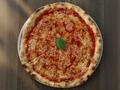 Tempo in Kraków already runs on iTasty4.9 on Google · See their menu →
Add the items, or send a photo or PDF — we will digitise it for you.
You get QR stickers — with NFC and your Wi-Fi password too.
Dine-in, QR and delivery in one panel. BLIK and card payments.
Guests scan the QR code and see the current menu right away — no app.QR menu with AI search and recommendations — guests find what they’re craving faster.

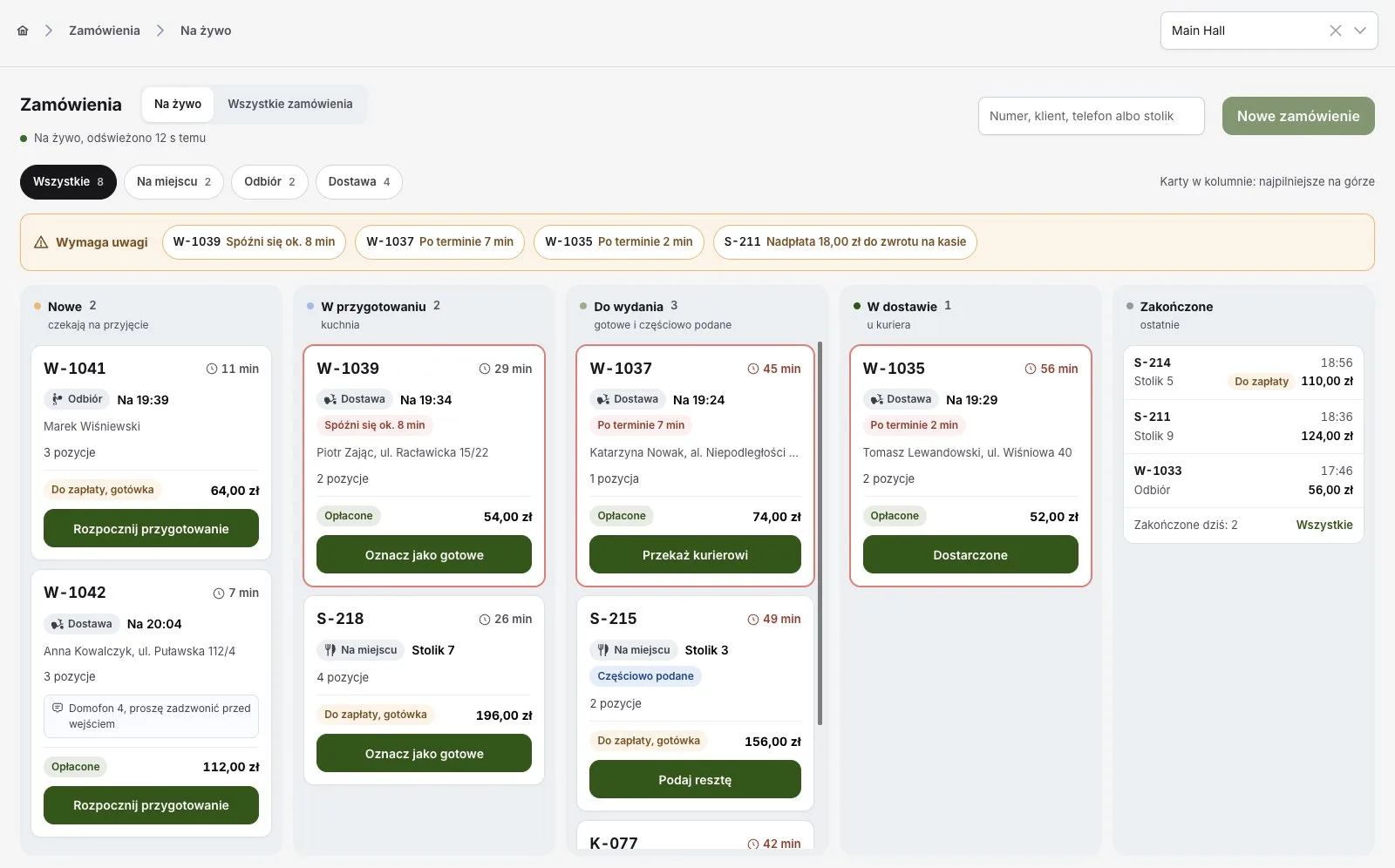
Orders with no hidden commission — dine-in, QR and pickup in one panel.Orders without hidden commissions, with your choice of payment provider. QR pager lets guests track their order and notifies them when it’s ready.
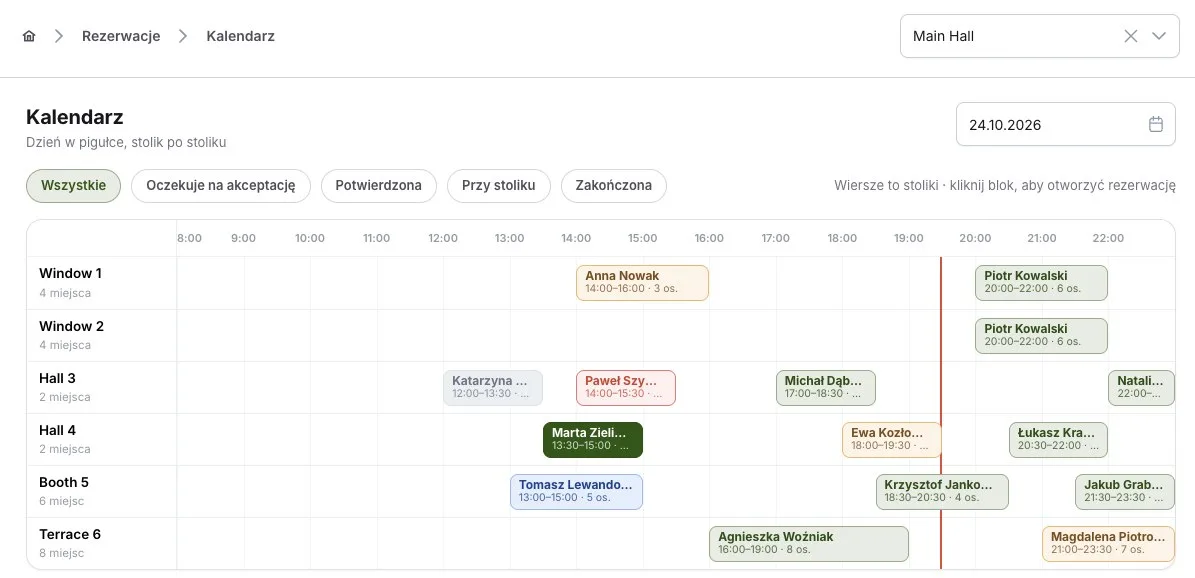
Guests book a table online — even when nobody picks up the phone.Guests book a table online — even when no one can answer the phone.
A digital stamp card in the guest’s phone — no app, no account.
 2 more stamps to a free coffee2 more to −10% off an orderJust 2 more stamps for a free pizza
Delivery platforms usually take 15–30% of every transaction. Move the sliders and see the monthly total.
Orders from returning guests can reach you directly — then you only pay your payment provider’s fee, not 15–30%.
Indicative figure. Delivery is not included — iTasty replaces neither a courier nor a platform’s reach.Guests land in your customer base automatically. You build your marketing on that: promotions and new dishes reach the people who actually care about them.
Start from 0 zł on the Welcome plan. Payments: BLIK, Przelewy24, PayU, Stripe, Tpay.Start from 0 zł on the Welcome plan.
For testing and small venues
No credit card · the Welcome plan stays free forever
708 zł billed yearly
For cafes, bars and small restaurants
No credit card · the Welcome plan stays free forever
1980 zł billed yearly
For restaurants and food service chains
No credit card · the Welcome plan stays free forever
708 zł billed yearly
For cafes, bars and small restaurants
Payments: BLIK, Przelewy24, PayU, Stripe
Didn’t find your answer? Leave your number below — we’ll call you back.
Leave your number — we call back, usually the same day. 15 minutes online.
'%20stroke-width='2'%20stroke-linecap='round'%20stroke-linejoin='round'/%3e%3c/g%3e%3c/svg%3e) AI search — guests type what they are in the mood for
AI search — guests type what they are in the mood for